
Yo, you don’t need to type on that mushy membrane keyboard from 2015 anymore? Look, you know when you’re grinding through code reviews, pulling all-nighters for that CS project, or just trying to get through your daily tasks, and your keyboard is straight-up sabotaging your vibe. If you’ve been wondering “what is a mechanical keyboard” and whether it’s actually worth the investment, buckle up because we’re about to dive deep into what makes mechanical keyboards so special.
Affiliate Disclosure: This post contains affiliate links. If you cop something through these links, I might earn a small commission at no extra cost to you. This helps keep the content coming while keeping my recommendations 100% honest.
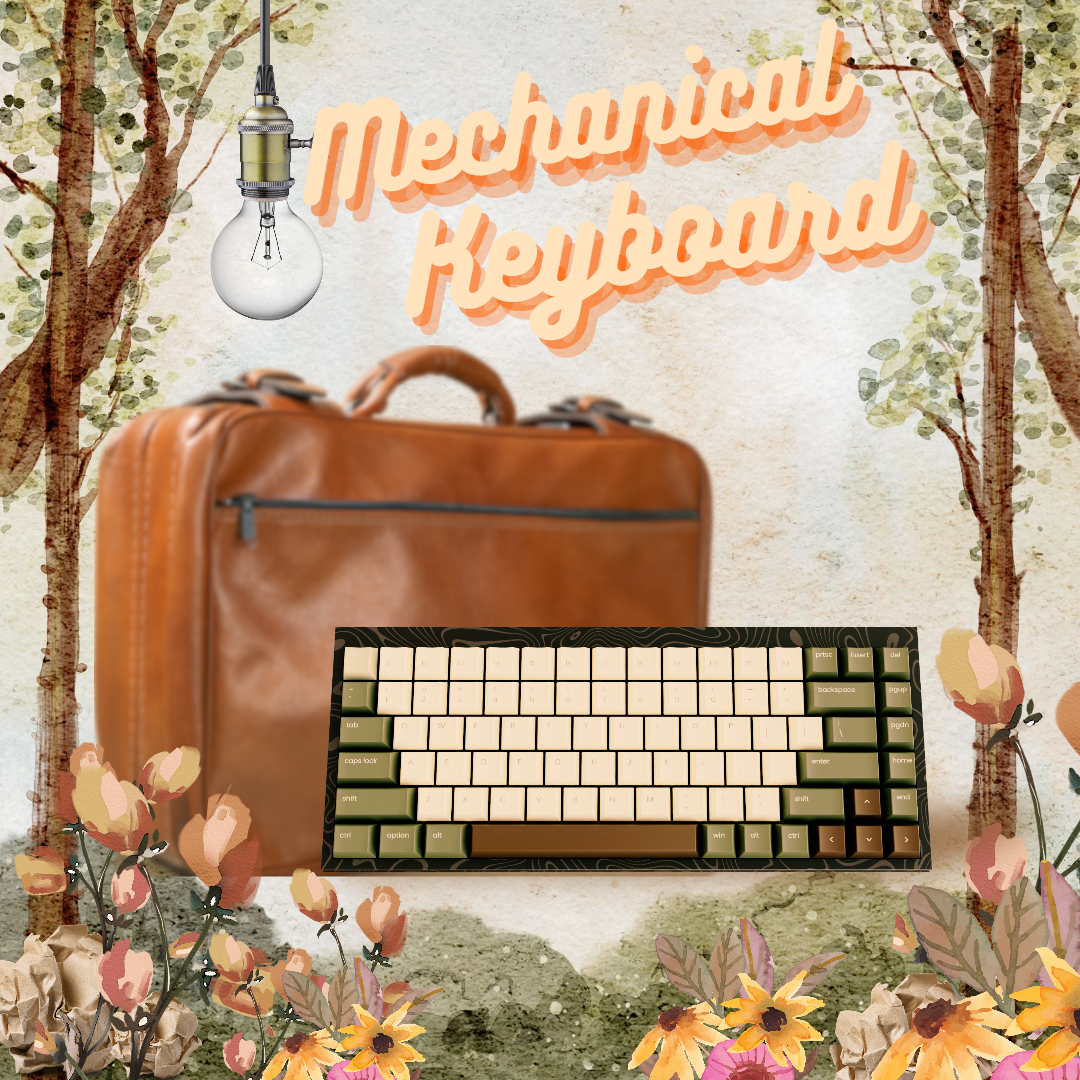
Overview on what is a mechanical keyboard
What is a Mechanical Keyboard? And 4 Amazing Reasons Why It Matters
So what is a mechanical keyboard exactly? A mechanical keyboard is a type of keyboard that uses individual mechanical switches under each key instead of that squishy rubber dome nonsense in regular keyboards. Understanding what is a mechanical keyboard means recognizing it’s literally like comparing a high-end mouse to a $5 office mouse – completely different leagues.
When people ask “what is a mechanical keyboard,” they’re really asking about the fundamental difference in how these keyboards work compared to regular membrane keyboards.
The rundown: A mechanical keyboard is a typing device with individual physical switches under each key. Unlike membrane keyboards that use rubber domes:
- ✅ Each key has its own mechanical switch
- ✅ Switches register keystrokes physically
- ✅ Components are modular and replaceable
Why Mechanical Keyboards Are Different (And Why It Matters)
Each mechanical keyboard key has its own dedicated switch that gives you:
- Tactile feedback – You actually feel when the key activates
- Audible clicks – That crispy sound that hits different (if you’re into that)
- Precision – No more phantom key presses or missed inputs
- Durability – These bad boys are built to last through your most intense work sessions
The main reason people switch to mechanical keyboards is the superior typing experience. When you understand what is a mechanical keyboard and experience one firsthand, you’ll immediately notice the difference in responsiveness and comfort.
Understanding what is Mechanical Keyboard Switche The Heart of Your Typing Experience
Here’s where things get interesting – the switch is literally the soul of any mechanical keyboard. When people ask “what is a mechanical keyboard,” they’re really asking about these switches that make all the difference. Think of it as the engine in a car; everything else might look good, but the switch determines how your keyboard actually feels and performs.
There are three main categories of mechanical switches, each designed for different typing preferences and use cases.
Linear Switches: Smooth and Silent Operators
What They Are: Linear switches provide a smooth, consistent keystroke from top to bottom with no tactile bump or audible click. The resistance stays constant throughout the entire key press.
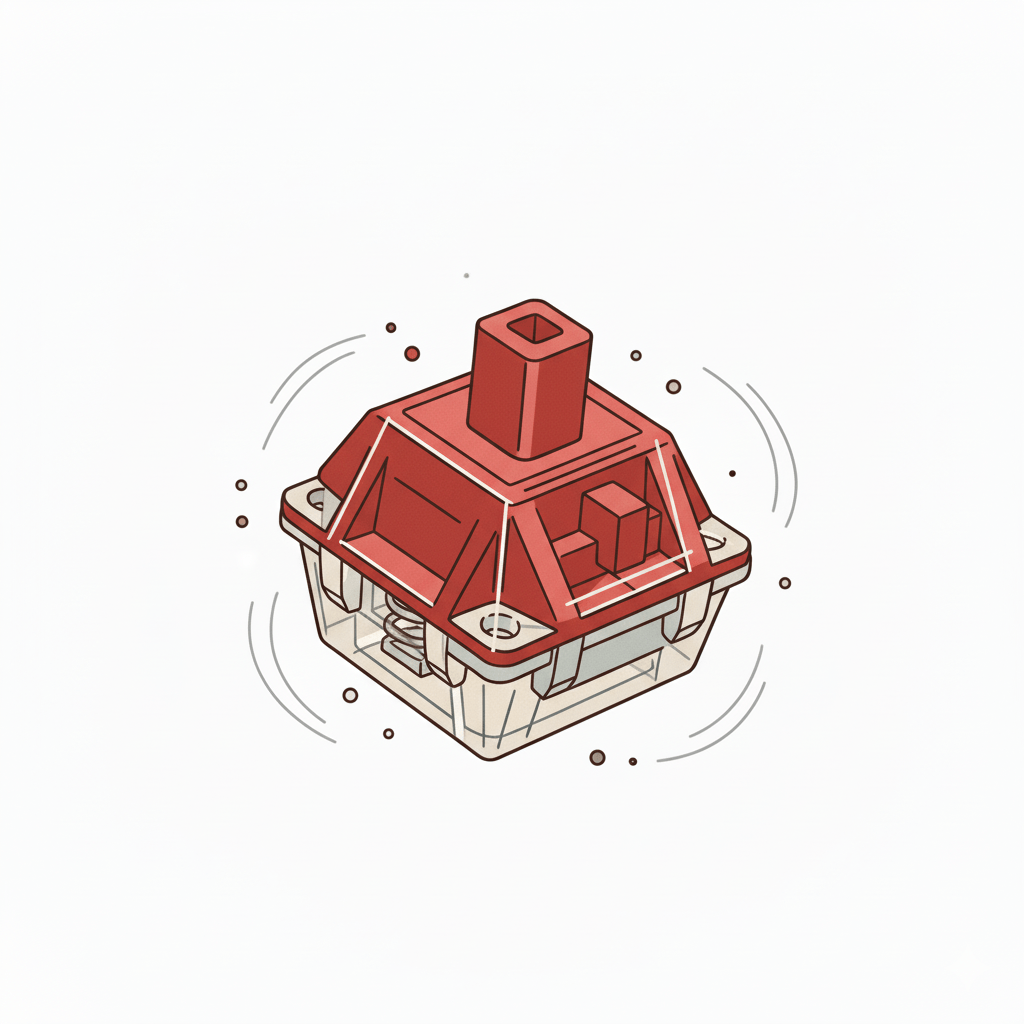
Popular Linear Switches:
- Cherry MX Red – The classic linear switch, light 45g actuation force
- Cherry MX Black – Heavier version at 60g, preferred by some gamers
- Gateron Yellow – Smooth budget option with 50g actuation
- Kailh Speed Silver – Ultra-fast actuation for competitive gaming
Perfect For: Gamers who need rapid key presses, people who type in shared spaces (they’re quieter), and anyone who prefers smooth, uninterrupted keystrokes. If you’re coming from a laptop keyboard, linears might feel most familiar.
The Vibe: Think of pressing down on a smooth hydraulic lever – consistent resistance with no surprises.
Tactile Switches: The Best of Both Worlds
What They Are: Tactile switches give you a noticeable bump when the key actuates, so you know exactly when the keypress registers. You get feedback without the loud click, making them perfect for most users.
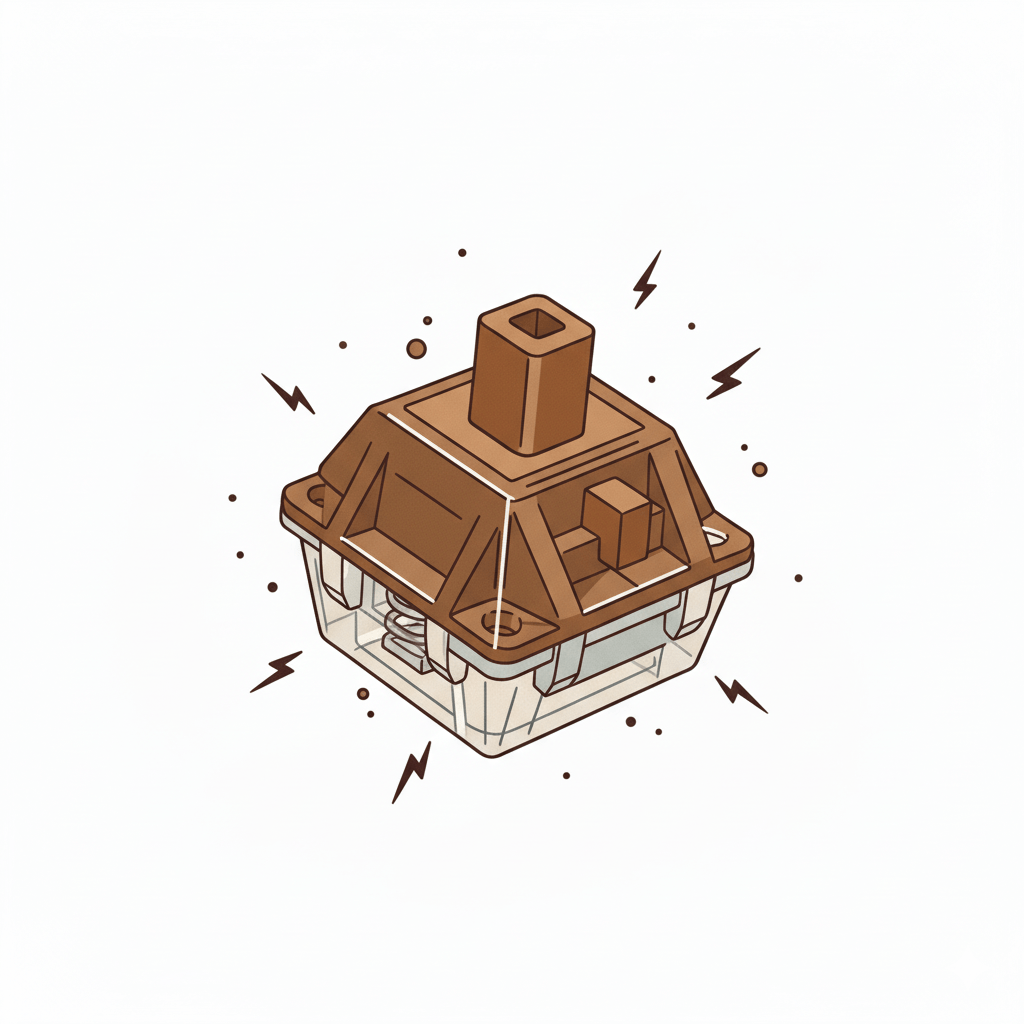
Popular Tactile Switches:
- Cherry MX Brown – The “Foundation” of mechanical switches, moderate 45g with gentle bump
- Cherry MX Clear – Heavier tactile at 65g with more pronounced bump
- Zealios V2 – Premium tactile switch beloved by enthusiasts
- Durock T1 – Excellent budget tactile option
Perfect For: Typists who want to feel their keystrokes register, office workers who need some feedback but can’t go full clicky, and anyone who does a mix of typing and gaming.
The Vibe: Like pressing a pen that clicks halfway down – you feel exactly when it engages.
Clicky Switches: The Attention Seekers
What They Are: Clicky switches combine the tactile bump with an audible click sound. They’re the most “mechanical” feeling switches and definitely let everyone know you’re typing.
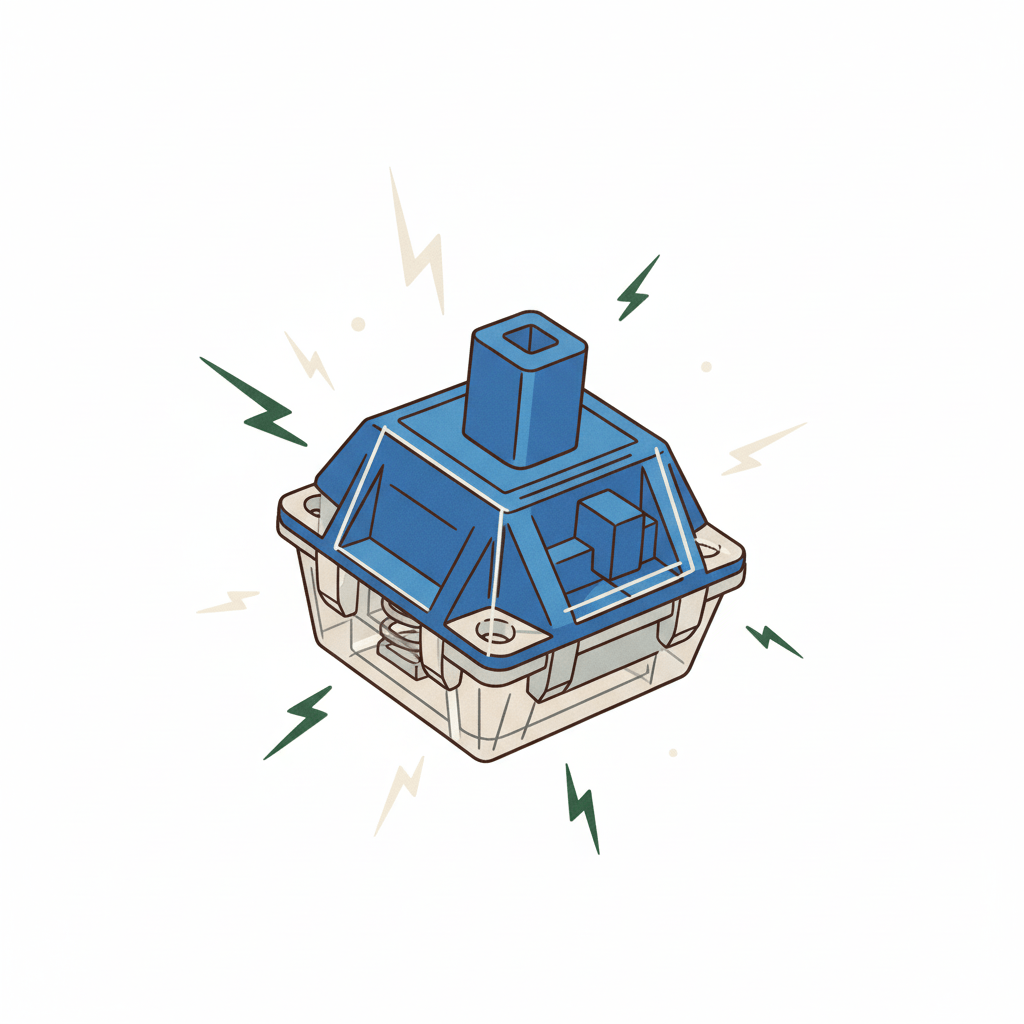
Popular Clicky Switches:
- Cherry MX Blue – The classic clicky switch that started it all
- Cherry MX Green – Heavier version of Blue switches
- Kailh Box White – Crisp, sharp click with excellent feel
- Gateron Blue – Smooth alternative to Cherry MX Blue
Perfect For: Writers who love the audible feedback, retro computing enthusiasts, anyone working from home who wants maximum typing satisfaction, and people who aren’t worried about noise levels.
The Vibe: Like typing on a vintage typewriter – every keystroke is deliberate and satisfying.
Switch Weight and Actuation: Finding Your Sweet Spot
Actuation Force is measured in grams and determines how much pressure you need to register a keypress. Here’s the breakdown:
- Light (35-45g): Easy to press, good for fast typing and gaming, but might lead to accidental presses
- Medium (45-60g): The sweet spot for most users, balanced feel
- Heavy (60g+): Requires more deliberate presses, reduces typing errors, preferred by heavy typists
Hot Tip: If you’re unsure about switch types, look for keyboards with hot-swappable switches. This lets you try different switches without buying entirely new keyboards – it’s like test-driving before you buy. Understanding what is a mechanical keyboard means knowing that the switch choice is crucial to your typing experience.
Before we get into the good stuff, let’s figure out your vibe and what type of mechanical keyboard fits your needs:
- Heavy typer or casual user? Different mechanical keyboard switches work better for different use cases
- Noise level? Some mechanical keyboard switches are loud and proud, others are stealth mode
- Budget check? We’ve got mechanical keyboard options from budget-friendly to premium
- Features needed? Wireless, hot-swappable, RGB – what matters to you in a mechanical keyboard?
What are the mechanical Keyboard Form Factors: Finding Your Perfect Size Vibe
You’ve got the switch types down, but before you buy, you need to decide how much desk space you’re ready to sacrifice. Mechanical keyboards come in a wild variety of sizes—or form factors—and choosing the right one is crucial for your workflow and desk setup.
What is a mechanical keyboard :Full-Size (100%)
What It Is: The classic beast. It includes the main alpha keys, the function row (F1-F12), the navigation cluster, and, crucially, a dedicated number pad (Numpad).
The Vibe: Maximum functionality. This is the GOAT choice if you’re a power user, accountant, or anyone who crunches numbers all day.
The Trade-off: They take up the most real estate, leaving less room for your mouse to maneuver.
What is a mechanical keyboard :Tenkeyless (TKL or 80%)
- What It Is: This layout takes the full-size keyboard and chops off the number pad. You keep the main typing area, the function row, and the arrow keys/navigation cluster (Insert, Delete, etc.).
- The Vibe: The perfect sweet spot. It provides most of the functionality professionals need while giving you back a solid chunk of desk space for better ergonomics and wider mouse swipes.
- The Trade-off: You lose the dedicated numpad. If you rely on it, this is a no-go.
What is a mechanical keyboard : Compact 65% Layout
- What It Is: Now we’re getting minimalist. The 65% layout removes the Numpad and the entire Function Row (F1-F12). All those functions are now accessed via the ‘Fn’ key combined with the number row.
- The Vibe: Maximum utility in a small package. Crucially, this size keeps the dedicated arrow keys and usually a small navigation cluster (Delete, Page Up/Down), which many users can’t live without.
- The Trade-off: Learning to use the ‘Fn’ layer for F-keys takes a moment to adjust to.
What is a mechanical keyboard :Ultra-Compact 60% Layout
- The Vibe: Ultimate desk minimalism. This is fire for gamers and coders who only use the left side of the board and want the absolute most room for their mouse.
- What It Is: The smallest, sleekest choice. It only contains the main typing keys—no numpad, no function row, and no dedicated arrow keys. Every non-alpha key (F-keys, arrows, navigation) is hidden behind the ‘Fn’ layer.
- The Trade-off: It has the steepest learning curve and can be frustrating if you frequently use the arrow keys or F-keys outside of gaming.
Key Takeaway for Your Guide:
> Choose based on your needs:
- If you use the Numpad, stick to 100%.
- If you game and type, TKL is often the best balance.
- If you need a hyper-clean aesthetic, go 65% or 60%.
Time to Level Up Your Setup with a Mechanical Keyboard
These three mechanical keyboards represent the best options at their respective price points. Whether you’re looking for budget-friendly quality, wireless versatility, or premium performance, there’s a mechanical keyboard here that’ll transform your typing experience.
The jump from membrane to mechanical keyboard is honestly game-changing. Your fingers will thank you, your typing will improve, and your whole workflow will feel more premium. Now that you know what is a mechanical keyboard and why it matters, the choice is clear.
Ready to experience what you’ve been missing?
Budget Pick: Lemokey X1 →
Wireless Pro: Keychron K8 Pro →
Premium Choice: Keychron Q5 Pro →
Your Hands Deserve a Better Mechanical Keyboard
Real talk – you spend countless hours typing. Whether it’s coding, working on assignments, writing docs, or just browsing, your keyboard is literally one of your most important tools. Upgrading to a quality mechanical keyboard isn’t just about performance – it’s about making those long sessions way more comfortable and enjoyable.
The difference between a mushy membrane and a crisp mechanical keyboard is something you feel instantly. Once you make the switch and experience what is a mechanical keyboard firsthand, there’s no going back to the dark ages of rubber domes.
Pick your perfect mechanical keyboard match and join the mechanical keyboard community – your setup deserves it.
Common Questions About Mechanical Keyboards
What’s the difference between mechanical and membrane keyboards?
Mechanical keyboards use individual physical switches under each key, providing tactile or audible feedback. Membrane keyboards use a rubber dome sheet, resulting in a mushy, less precise typing experience.
Why are mechanical keyboards more expensive?
They are more expensive because they contain complex, individual components like high-quality plastic and metal switches for every key, which contrasts with the simple rubber dome sheet used in membrane keyboards.
Are mechanical keyboards good for typing and productivity?
Yes, they are excellent. The precise actuation point and tactile feedback can significantly reduce typing errors and fatigue during long work sessions. Many coders and writers prefer ‘Tactile’ or ‘Linear’ switches for office use.
Are mechanical keyboards loud?
It depends on the switch type. Keyboards with ‘Clicky’ switches (like Cherry MX Blue) are loud. If noise is a concern, choose ‘Linear’ switches (Red) or ‘Tactile’ switches (Brown) switches, as they are much quieter and better for shared spaces.
What is the best mechanical keyboard size?
The best size is subjective: Full-size (100%) is needed for dedicated number-pad users. Tenkeyless (TKL, 87%) is great for general use. 60% or 65% layouts are ideal for maximizing minimal desk space or for gaming.

Pingback: The Ultimate Desk Mat Guide for Mechanical Keyboards: 2 Top Picks Included - UOMÏ
Pingback: 12 Amazing Facts About Keyboards That Will Blow Your Mind - UOMÏ
Pingback: Bluetooth vs 2.4 GHz Keyboard: best choice for mechanical one! - UOMÏ
Pingback: Computer Inside Keyboard: What Are the Special Features of Raspberry Pi 500+ That Make This fascinatingly Possible? - UOMÏ
Pingback: Wired vs Wireless mechanical Keyboard: The Ultimate Showdown (And Why You Don't Have to Choose between the 2 !) - UOMÏ
Pingback: 12 Hidden incredible Facts about Keyboards That Change How You Look at Your keyboard - UOMÏ
Pingback: The Budget Keyboard and Mouse Combo That Actually Doesn't Suck (5 Reasons Why) UOMÏ
Pingback: Bluetooth vs 2.4 GHz Keyboard: best choice for mechanical one! - UOMÏ
Pingback: 10 Interesting Facts About The Keyboard That'll Blow Your Mind - UOMÏ