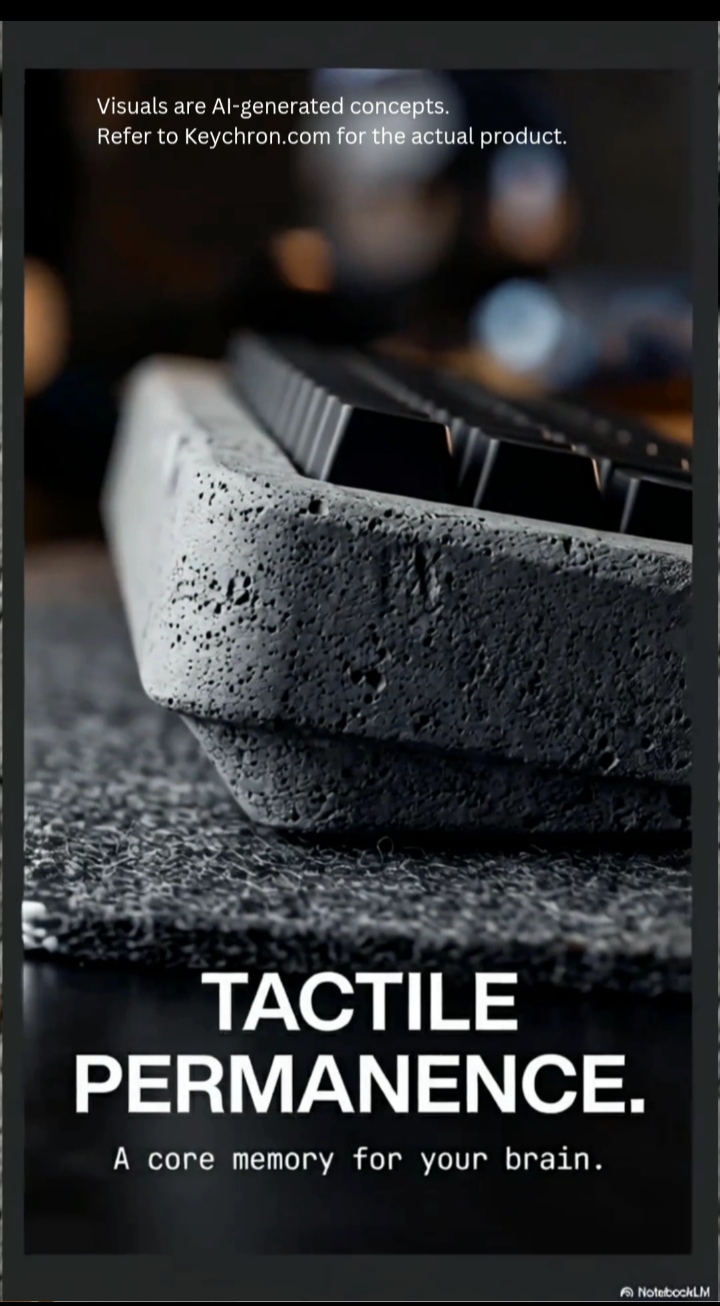
The “Plastic Desk” Problem Has a Name Now
You know the setup. Carefully chosen monitor. Deliberate cable routing. A desk surface that cost more than it should have. And then — right in the middle of it all — a keyboard that sounds like someone typing inside a takeout box. The Keychron K2 HE Concrete Edition exists because that specific friction is a real, solvable problem.
This is not about price. Plenty of expensive keyboards still feel hollow. The issue is acoustic mass, or the lack of it. Most chassis materials — thin aluminium, polycarbonate, even the stuff marketed as “premium” — don’t have the density to absorb vibration. They reflect it. Every keypress sends a high-frequency resonance back through the housing, and you feel it as that slightly rattling, slightly disconnected sensation that no amount of O-ring dampening fully fixes.
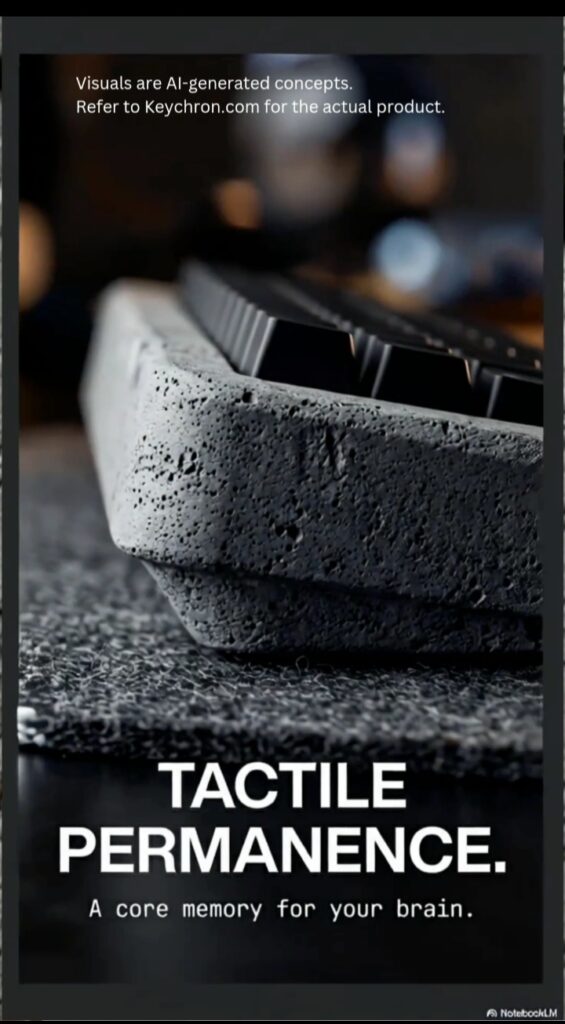
Refer to keychron.com for actual product.
Most keyboard chassis materials — including aluminium — lack sufficient acoustic mass to absorb vibration at the point of impact. They reflect it. Concrete is one of the few materials that changes this at the structural level.
The Keychron K2 HE Concrete Edition is a direct answer to that problem. Not a workaround. An answer. And it’s worth understanding exactly how the answer works before deciding whether it’s the right one for your desk. (If you want to understand why keyboard construction affects sound at a fundamental level, this keyboard facts breakdown covers the physics without the fluff.)
Keychron K2 HE Concrete Edition
Quick Answer: The Keychron K2 HE Concrete Edition is a 75% wireless mechanical keyboard with a hand-cast reinforced concrete chassis weighing approximately 4 lbs. It uses magnetic Hall Effect switches with fully adjustable actuation between 0.1 mm and 4.0 mm. It connects via 2.4 GHz wireless, Bluetooth 5.1, or USB-C. It is a limited production run. It is designed for permanent, stationary workstations — not portable use.
The Keychron K2 HE is Keychron’s 75% mechanical keyboard in wireless form. The Concrete Edition replaces the standard chassis with a housing cast from hand-reinforced mineral concrete — making it one of the only reinforced concrete keyboards available as a production peripheral. Not a concrete texture. Not a concrete colourway. The structural body — the part your hands rest against — is real mineral composite.
- Chassis: Hand-cast, reinforced concrete
- Switches: Magnetic Hall Effect (HE)
- Actuation: Customisable — 0.1 mm to 4.0 mm
- Connectivity: 2.4 GHz, Bluetooth 5.1, USB-C
- Layout: 75% compact — 84 keys
- The 75% layout keeps the function row and arrow keys while cutting the numpad. For most professional and home workflows, nothing critical is missing. For anyone whose work involves constant numerical data entry, that trade-off is worth thinking through before purchase.
The Engineering: How the Keychron K2 HE Concrete Edition Actually Works
Why a Reinforced Concrete Keyboard Solves What Foam Cannot
When a keyboard chassis lacks density, vibration has nowhere to go but outward — through the housing walls, through the desk surface, back into your fingertips. Foam dampening mods treat the symptom by adding a soft layer between the PCB and chassis. They help. But they don’t change the fundamental acoustic behaviour of the material surrounding them.
Concrete operates differently. At nearly 4 lbs, the Concrete Edition has the kind of damping mass that simply absorbs the input frequency rather than reflecting it. The result is a low, dense “thud” at actuation — not a sharp clack, not a rattle. Whether that specific sound profile is what you’re after is personal preference. The mechanism producing it is straightforward material science.
Because each unit is hand-cast, no two are identical. Surface texture varies. Minor air pocket distribution varies. Edge finishing varies. For some people that individuality is part of the appeal. For others, manufacturing consistency matters more — and that’s a legitimate preference to factor in.
Magnetic HE Switches: What the “Hall Effect” Actually Means
Standard mechanical switches work through physical contact. A metal leaf spring compresses, snaps past an actuation point, and completes a circuit. The magnetic HE switches in the Keychron K2 HE Concrete Edition remove that mechanism entirely. A small magnet inside the stem changes its proximity to a sensor as the key travels, and the firmware reads that electromagnetic shift as a keypress. No physical contact. No spring.
This has two practical consequences worth understanding.
Actuation becomes adjustable. Because the firmware defines what field strength counts as a press, you can move the actuation point anywhere between 0.1 mm and 4.0 mm without touching the hardware. Hair-trigger for speed-intensive tasks. Deeper press for a more deliberate typing feel. It adapts to how you actually type rather than asking you to adapt to it.
Rapid Trigger becomes possible. In standard switches, the key has to travel back past the actuation point before it can register another press. With Hall Effect, the reset happens the instant the stem starts moving upward. For high-frequency typing or any task where key repeat speed matters, that elimination of reset hysteresis is a measurable improvement.
On longevity — traditional mechanical switches are rated for tens of millions of actuations before spring fatigue becomes a factor. Hall Effect switches have no spring to fatigue. Long-term wear data for consumer HE designs is still accumulating, but the design removes the primary mechanical failure point by architecture.
Connectivity: 2.4 GHz, Bluetooth, and When Each One Matters
The K2 HE ships with all three connection modes. The practical difference between 2.4 GHz and Bluetooth comes down to signal environment. Bluetooth shares the 2.4 GHz spectrum with every other wireless device in range. A dedicated 2.4 GHz dongle creates a point-to-point channel that bypasses that congestion. For typing, the latency gap between the two is negligible in most situations. For precision tasks where signal stability matters, the dedicated channel is the more defensible choice. (The wireless connectivity breakdown covers measured comparisons between both modes.)
Who the Keychron K2 HE Concrete Edition Is — and Isn’t — For
This 75% mechanical keyboard makes the most sense for someone building a permanent, stationary workstation where the keyboard is the last piece that doesn’t match the weight and intentionality of everything around it. The mass that solves the acoustic problem also means the Keychron K2 HE Concrete Edition stays exactly where you put it — no shifting during long typing sessions, no micro-adjustments that compound into fatigue.
For anyone whose setup involves moving the keyboard between spaces — desk to dining table, office to living room — the weight is a genuine obstacle that no amount of Hall Effect engineering resolves. A lighter wireless keyboard handles that requirement better, and there’s no shame in that being the priority.
For setups where the desk surface itself has visual weight — stone, raw wood, concrete, dark laminates — the chassis material is a considered design choice rather than an eccentric one. It coheres with the environment rather than contrasting against it.
The Limitations — Honestly
Weight is permanent. The density that solves the acoustic problem is baked into the material. It’s not a setting. It’s not something a future firmware update touches. If portability is ever part of your workflow, this keyboard is not the right tool — and knowing that before purchase is more useful than discovering it after.
Availability is unpredictable. Limited production runs at Keychron tend to move quickly. Secondary market pricing on limited-edition peripherals frequently disconnects from original retail. The value case for this keyboard is clearest at launch pricing. Patience and early awareness are the only practical levers here.
Hand-cast variance is real. Surface cosmetic differences between units — minor texture variation, edge finish inconsistencies — are inherent to the casting process, not quality control failures. Buyers who need manufacturing uniformity will find that expectation misaligned with the production method.
Software configuration required for full feature access. Customising actuation depth and enabling Rapid Trigger requires Keychron’s software. Out-of-the-box, the keyboard functions on factory defaults. That setup step is minor, but worth knowing.
The Bottom Line
The Keychron K2 HE Concrete Edition is a narrow product solving a specific, real problem. Its reinforced concrete keyboard chassis addresses acoustic resonance at its source — material density — rather than treating it downstream with dampening mods. The magnetic HE switches offer actuation flexibility that mechanical designs structurally cannot match. Together they produce a keyboard that behaves more like a fixed architectural object than a peripheral, which is either exactly what a desk build needs or completely irrelevant depending on how the desk is used.
For a permanent workstation where tactile quality and acoustic character matter: technically sound choice. For anything requiring mobility or manufacturing uniformity: look elsewhere, and there are genuinely good options at multiple price points that better serve those requirements.
Frequently Asked Questions
Do the magnetic HE switches in the Keychron K2 HE Concrete Edition actually last longer than mechanical switches?
The traditional mechanical switch failure point is the leaf spring — a metal component that fatigues over millions of actuations. Hall Effect switches have no leaf spring. Detection is electromagnetic, so there’s no physical contact wearing down with use. Longevity data for consumer HE designs is still building given how recently they entered the mainstream, but the architecture removes the mechanism that limits traditional switch lifespan.
Will the Keychron K2 HE Concrete Edition crack or chip with normal desk use?
The reinforcement process used in precision casting adds tensile strength that raw or decorative concrete lacks. Normal desk use — including the occasional minor impact — sits well within what the material can handle. The risk profile changes if the keyboard is dropped onto a hard surface from height, which is a different scenario than everyday wear. Reinforced casting and decorative concrete are not the same material class.
Why choose 2.4 GHz over Bluetooth if both work?
Both work. The distinction is signal environment. Bluetooth operates on shared spectrum — the same frequency range your phone, speakers, and other devices are competing across. A dedicated 2.4 GHz connection uses a point-to-point channel that sits outside that congestion. For standard typing, the difference is imperceptible. For tasks where input consistency matters more, the dedicated channel is the more reliable choice. (See the wireless connectivity post for measured context.)
How limited is “limited edition”?
Keychron doesn’t publish unit counts for limited runs. Historically, past drops have sold through within days of announcement. The most reliable early signals come from Keychron’s newsletter and the r/Keychron community, both of which tend to surface news before mainstream tech coverage picks it up.
Is 75% practical without a numpad?
For writing, design, coding, and general office work — yes. The 75% layout retains the function row and arrow cluster, which covers most professional workflows cleanly. For roles involving consistent numerical input, the missing numpad is a real productivity cost, not a minor inconvenience. The honest answer is that it depends entirely on what the right side of your keyboard actually does in your workflow.