

If you manage multi-channel campaigns, your day isn’t built on linear tasks; it’s a relentless cascade of micro-actions. A quality prebuilt macropad with rotary knob gives marketing managers, content creators, and power users a dedicated hardware control pad for repetitive software actions, letting each hand trigger complex multi-step macros or adjust precise parameters without reaching across a full-sized keyboard. For professionals jumping between design suites, analytics dashboards, and communication channels for six or more hours a day, this physical macro layout addresses a context-switching fatigue problem that standard desk peripherals leave completely unsolved. This guide covers how macropads work, why the hardware mechanics matter, who should add one to their desk, and the real tradeoffs involved
Prebuilt macropad with rotary knob 2026
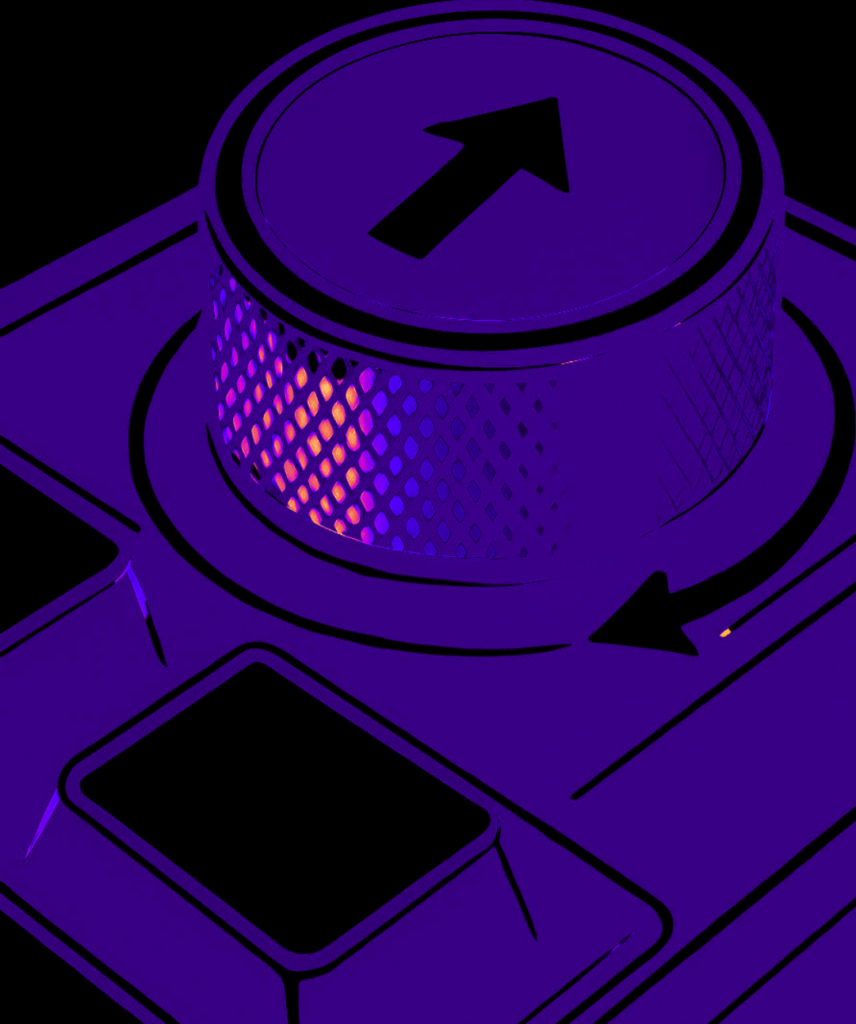
What Is a Prebuilt Macropad with a Rotary Knob?
The standard keyboard layout forces all productivity shortcuts into awkward multi-key chords or software menus. A dedicated macropad is a companion input device featuring a small cluster of mechanical keys and one or more rotary encoders, designed to sit beside or above your primary keyboard to handle application-specific shortcuts. Choosing a prebuilt macropad with rotary knob configuration allows users to bypass the soldering and complex assembly steps of custom enthusiast kits while gaining immediate ergonomic efficiency.
- Rotary Encoder Mechanics: Look for aluminum or knurled brass rotary knobs featuring tactile detents. These deliver physical feedback per click, making them ideal for precise timeline scrubbing, zooming in design tools, or adjusting system audio levels without looking down.
- Connectivity & Build: High-end units offer hot-swappable PCB sockets and tri-mode connectivity (Bluetooth 5.1, 2.4GHz wireless dongle, and USB-C wired) to guarantee zero input lag across multi-device office layouts.
- QMK/VIA Programmability: True workflow hardware runs open-source firmware, enabling custom layer flashing directly to onboard memory without forcing resource-heavy background utility apps to run continuously.
Why Choose a Prebuilt Macropad with Rotary Knob for Marketing Workflow?
Knowledge work is multi-threaded in a way standard typing accessories ignore. Slicing video assets, updating campaign dashboards, and managing fast-paced communication stacks require constant micro-actions. Standard keyboards demand awkward multi-key finger stretches just to zoom, scrub timelines, or switch tabs. For a deeper look at industry input standards, you can review computer keyboard design specifications on Wikipedia. Additionally, exploring our guide on the 1 best keycap profile for programmers helps explain how physical touch points impact daily fatigue.
Who Should Switch to a Dedicated Macropad Setup?
The clearest case is a professional like —a marketing manager or content strategist—spending hours navigating complex software suites who wants tactile, hardware-level shortcuts for repetitive actions. Integrating a reliable prebuilt macropad with rotary knob setup into your daily routine transforms how you handle multi-app navigation. The productivity return compounds with daily session length; for short, interrupted typing sessions, the efficiency gain is minimal.
What Are the Limitations of a Macropad?
- Learning Curve: Building the muscle memory to instinctively hit custom macro layers takes a week or two of regular desktop use.
- Desk Footprint: Adding an extra peripheral takes up additional desk space next to your main mouse and keyboard.
- Configuration Time: Mapping layers via VIA firmware requires an initial setup investment to tailor shortcuts to your exact software stack.
Frequently Asked Questions
What is the benefit of a rotary knob on a macropad?
A rotary knob provides tactile, step-by-step control for precision tasks like zooming, timeline scrubbing, volume adjustment, or scrolling through large data sheets.
Do I need programming experience to set up a macro pad?
No. Modern prebuilt macropads support VIA or QMK software, allowing you to remap keys and rotary functions instantly via a clean graphical web interface.
The Bottom Line
A prebuilt macropad with rotary knob is a focused, practical ergonomic upgrade rather than an essential requirement for every desk setup. It effectively resolves cumulative hand travel and context-switching fatigue specifically for professionals managing symbol-dense workflows and multi-app tasks over long sessions. While it introduces a brief configuration learning curve, modest cost, and an extra footprint next to your keyboard, the physical efficiency gains easily justify the investment for heavy desk users.
