A wireless mechanical keyboard for developers connects seamlessly across multiple workstations via 2.4GHz RF dongles and Bluetooth 5.1, letting engineers switch instantly between a MacBook, Linux build server, and Windows test rig without dealing with desk cable clutter or input lag. For software engineers and technical leads typing dense code and running shell commands for six or more hours a day, this multi-device connectivity addresses a workspace clutter and switching friction problem that traditional wired boards leave completely unsolved.
This guide covers how tri-mode wireless works, why latency mechanics matter specifically for programming work, who should upgrade, and the real tradeoffs involved.
Wireless Mechanical Keyboard for Developers: Full 2026 Guide
What Is a Wireless Mechanical Keyboard?
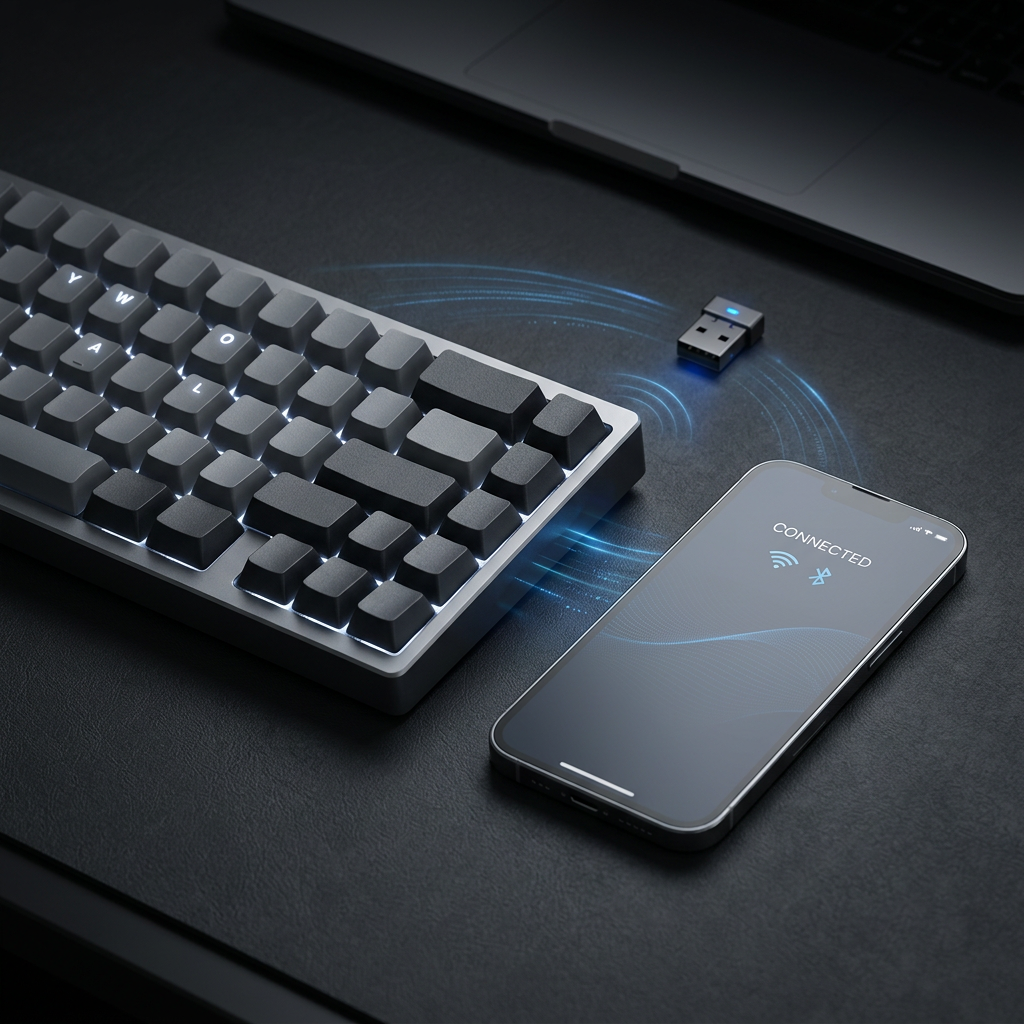
Traditional desktop keyboards anchor you to a single host machine via a fixed USB cable. A modern wireless mechanical board utilizes tri-mode connectivity—supporting wired USB-C, Bluetooth 5.1 for multiple paired devices, and a 2.4GHz USB RF dongle for zero-latency desktop performance. Upgrading to a reliable wireless mechanical keyboard for developers allows engineers to maintain a pristine, cable-free desk environment while switching between operating systems with a simple keystroke shortcut.
- 2.4GHz RF vs. Bluetooth: While Bluetooth is ideal for tablets and secondary laptops, a 2.4GHz wireless dongle provides a polling rate of 1000Hz, matching wired performance with zero perceptible input lag for fast typing.
- Battery Capacity & Efficiency: High-end developer boards pack large lithium-ion batteries (4,000mAh to 8,000mAh) delivering weeks of continuous typing with backlighting disabled.
- Multi-Device Host Switching: Instantly toggle between up to three paired devices using dedicated physical switches or key combinations.
Why Does This Matter Specifically for Software Engineers?
Software development is multi-machine heavy. Engineers frequently test code across macOS, Linux, and Windows environments throughout a single workday. Replugging cables or managing multiple keyboards creates constant friction. For a broader look at input standards, you can review computer keyboard design specifications on Wikipedia. Additionally, exploring our guide on split keyboard for programmers highlights how modular hardware upgrades improve overall coding endurance.
Who Should Switch to a Wireless Developer Keyboard?
The clearest case is a technical professional like Alex—a full-stack engineer or DevOps specialist—juggling multiple computers on a single minimalist desk who wants instantaneous host switching without sacrificing tactile switch feel or response time. Integrating a wireless mechanical keyboard for developers streamlines your hardware ecosystem.
What Are the Limitations of Wireless Keyboards?
- Battery Maintenance: Unlike wired boards that draw constant power, wireless keyboards eventually require recharging via USB-C.
- Wireless Interference: Heavy 2.4GHz frequency congestion in dense office environments can occasionally require placing the USB dongle closer to the board using an extension cable.
- Weight & Thickness: Integrating large internal batteries and wireless chips adds physical weight to the aluminum chassis.
The Bottom Line
A wireless mechanical keyboard for developers is a powerful desk upgrade that eliminates cable clutter and streamlines multi-machine workflows. By offering ultra-low latency 2.4GHz connections alongside multi-host Bluetooth pairing, it delivers wired-grade performance with wireless freedom. While it requires occasional battery recharging, the flexibility to drive multiple computers from a single tactile board makes it an exceptional addition to any modern developer workspace.
Frequently Asked Questions
Do wireless mechanical keyboards have input lag?
When connected via a 2.4GHz RF USB dongle, modern wireless mechanical keyboards offer a 1000Hz polling rate with zero perceptible input lag, matching traditional wired keyboards.
How many devices can I pair to a wireless developer keyboard?
Most tri-mode mechanical keyboards allow you to connect up to three devices via Bluetooth, plus one device via the 2.4GHz wireless dongle and another via USB-C cable.